

PowerBI PortalUnderstanding Power BI Capacities: Choosing the Right Model for Your Needs
Pro, PPU, Embedded or Fabric? Understand Power BI capacity models and choose the right one for your users, data and budget.
Page 7: The official PowerBI Tiles Suite blog. Expert guides, how-tos and updates for Power BI automation, scheduling, embedding and report sharing - for every skill level.
PowerBI PortalPro, PPU, Embedded or Fabric? Understand Power BI capacity models and choose the right one for your users, data and budget.
PowerBI PortalPower BI Embedded is billed by capacity. How PowerBI Portal schedules and manages capacity to cut costs without managing Azure by hand.
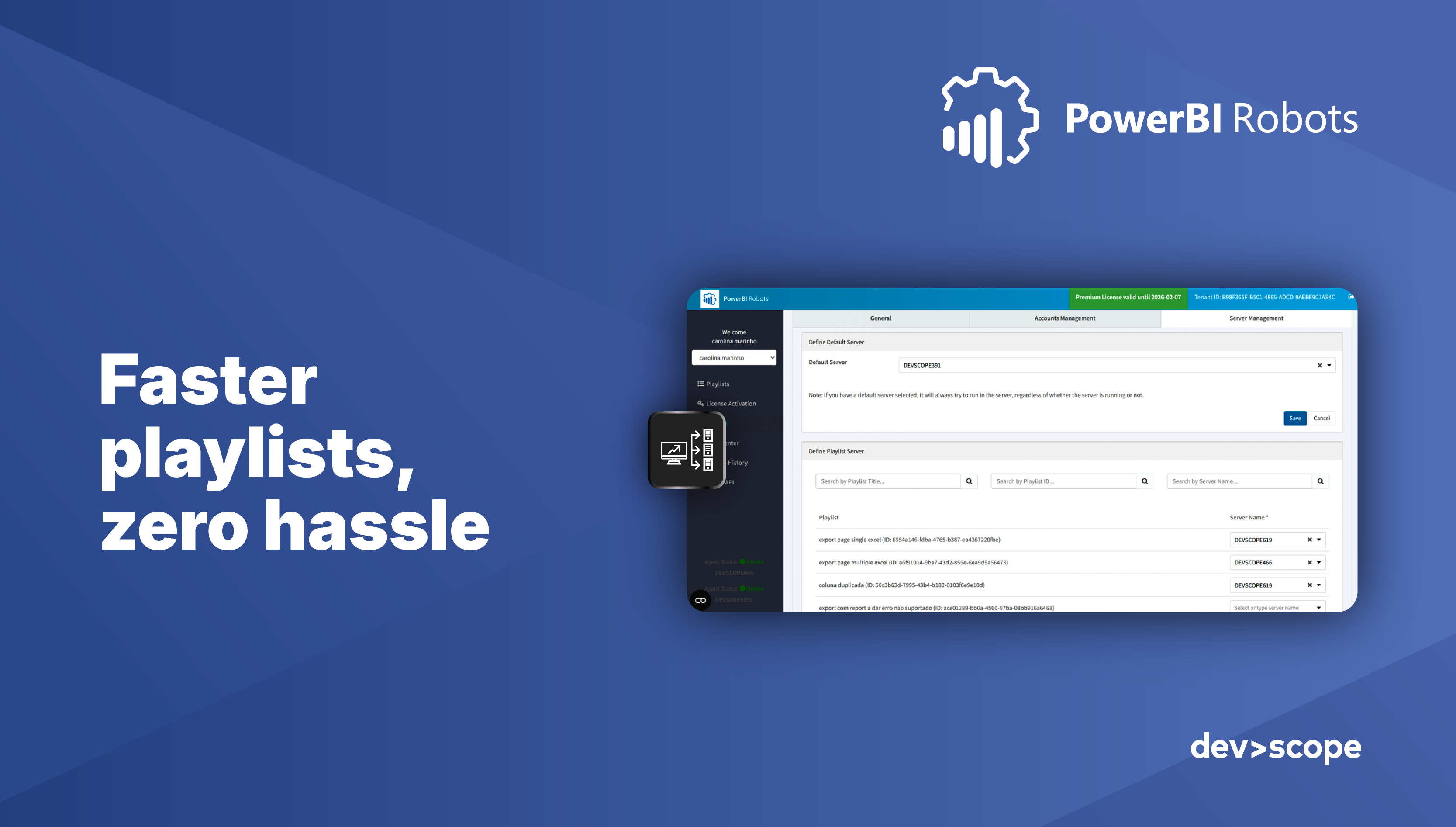
PowerBI RobotsThe latest PowerBI Robots release makes Power BI report automation faster and smarter, with new controls over how reports are delivered.
PowerBI PortalInsight matters only when it reaches the right people. How Power BI Embedded and PowerBI Portal deliver analytics to every audience.
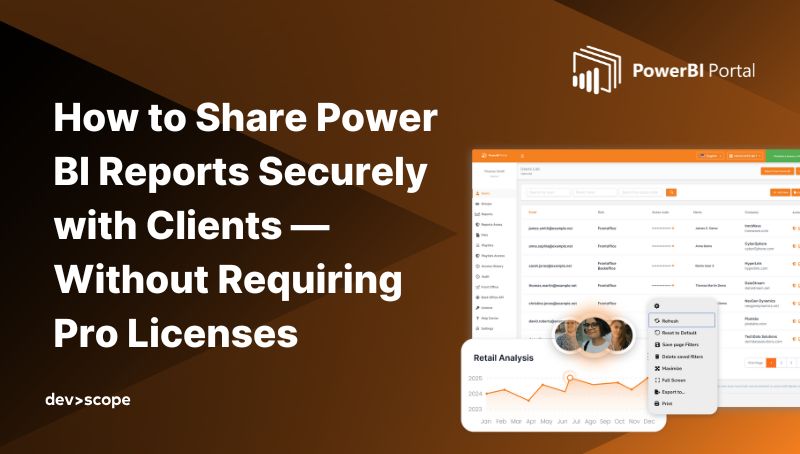
PowerBI PortalShare Power BI reports with clients securely and at scale using Power BI Embedded and PowerBI Portal, without individual Pro licenses.
PowerBI PortalHow healthcare providers share Power BI dashboards securely in real time with Power BI Embedded and PowerBI Portal, without extra licenses.
PowerBI PortalHow consultancies turn Power BI reports into branded, secure analytics portals they can resell, without clients needing Pro licenses.
PowerBI RobotsThree new PowerBI Robots features that streamline your Power BI workflow and make automated report delivery easier to manage.
PowerBI PortalBuild a Power BI sales dashboard that tracks the right KPIs, with interactive examples that help sales teams make data-driven decisions.