PowerBI Portal: work smarter with German language support and FrontOffice edit mode
At DevScope, we're always focused on enhancing PowerBI Portal to meet the evolving needs of global organizations. Our latest updates introduce two exciting features designed to boost productivity, improve accessibility, and empower users to manage their reports more efficiently: German language support and FrontOffice edit mode.
Work in your native language with German support
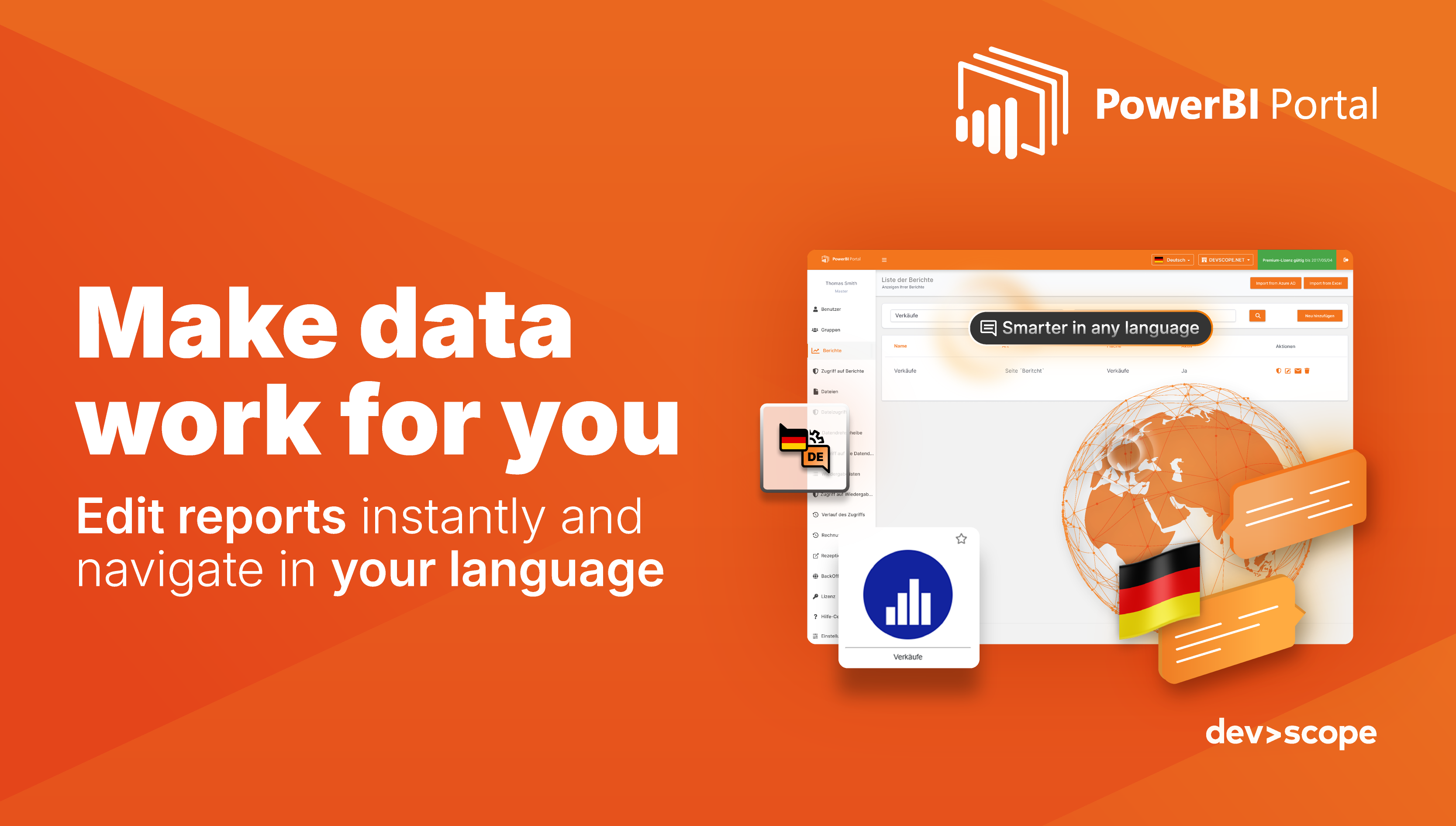
Navigating complex BI platforms in a non-native language can slow down workflows and increase the likelihood of errors. Now, PowerBI Portal is fully localized in German—both BackOffice and FrontOffice—so native speakers can work comfortably and efficiently.Better performance: Avoid overloading a single server for faster, more stable execution
Key benefits:
- Accessibility: Intuitive interface designed for German-speaking users.
- Enhanced User Experience: Minimize errors and reduce friction in report navigation.
- Global Reach: Expand your BI deployment to new markets with ease.
- Consistency: All elements in both BackOffice and FrontOffice are fully aligned in German.
Whether your teams are operating locally in Germany or across German-speaking regions, this feature ensures everyone can access reports, dashboards, and workflows seamlessly.
Edit reports directly in FrontOffice
Flexibility and agility are critical in modern business intelligence. With FrontOffice edit mode, users can now adjust reports directly within the FrontOffice portal—no need to wait for IT support or navigate back to the BackOffice.
Key benefits:
- User Autonomy: Modify reports in real-time to fit your analysis needs.
- Speed & Agility: Reduce extra steps and accelerate decision-making.
- Efficiency: Minimize dependency on technical teams for minor changes.
- Flexibility: Adjust filters, visuals, or data on the fly for precise insights.
This update empowers users to tailor their reports instantly, ensuring that dashboards and data always reflect the most relevant information.
Why these features matter
Together, German language support and FrontOffice edit mode make PowerBI Portal more accessible, flexible, and user-friendly than ever. Users can now:
- Navigate the portal comfortably in their preferred language.
- Make live adjustments to reports without leaving the FrontOffice.
- Reduce errors and accelerate workflows across teams.
- Expand globally while maintaining a consistent experience.
These improvements not only streamline day-to-day reporting but also enhance user satisfaction, operational efficiency, and international scalability.
Ready to explore the new features?
PowerBI Portal continues to evolve to meet your business intelligence needs. With these updates, users gain greater independence, faster insights, and more control over their reports and dashboards.
Discover the new features in PowerBI Portal today!

Share this post: