

PowerBI PortalPower BI Capacities Explained: How to Control Cost & Performance in Client-Facing Portals
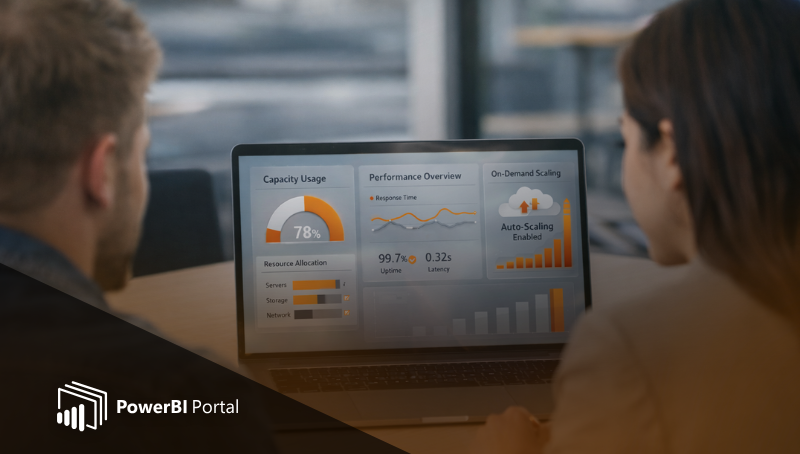
Power BI capacities explained: how to control cost and performance when you deliver Power BI analytics through client-facing portals.
Page 6: The official PowerBI Tiles Suite blog. Expert guides, how-tos and updates for Power BI automation, scheduling, embedding and report sharing - for every skill level.
PowerBI PortalPower BI capacities explained: how to control cost and performance when you deliver Power BI analytics through client-facing portals.
PowerBI Data PortalCase story: how a project manager cut monthly client reporting from 3 days to 3 hours by automating Power BI delivery with PowerBI Robots.
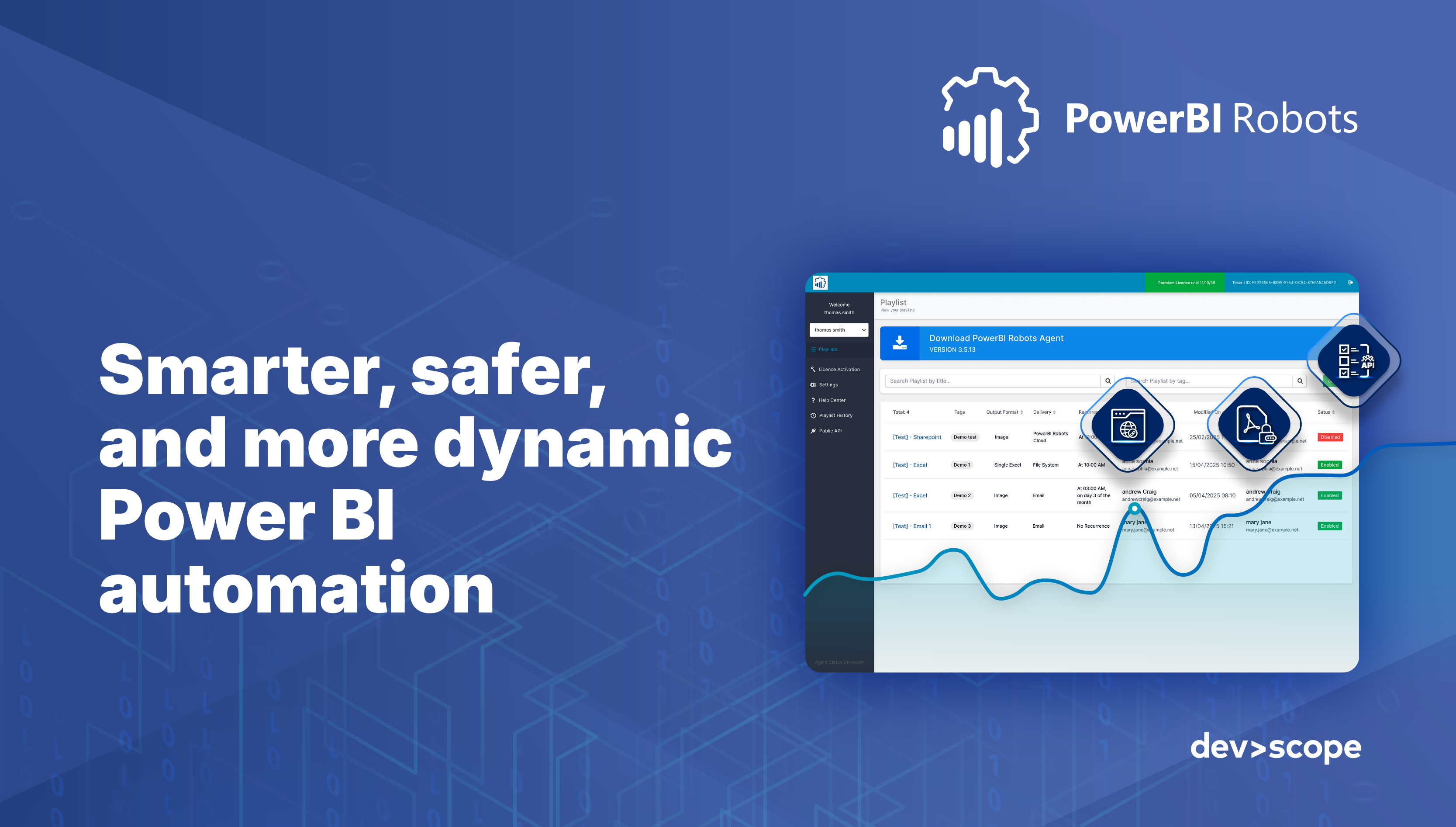
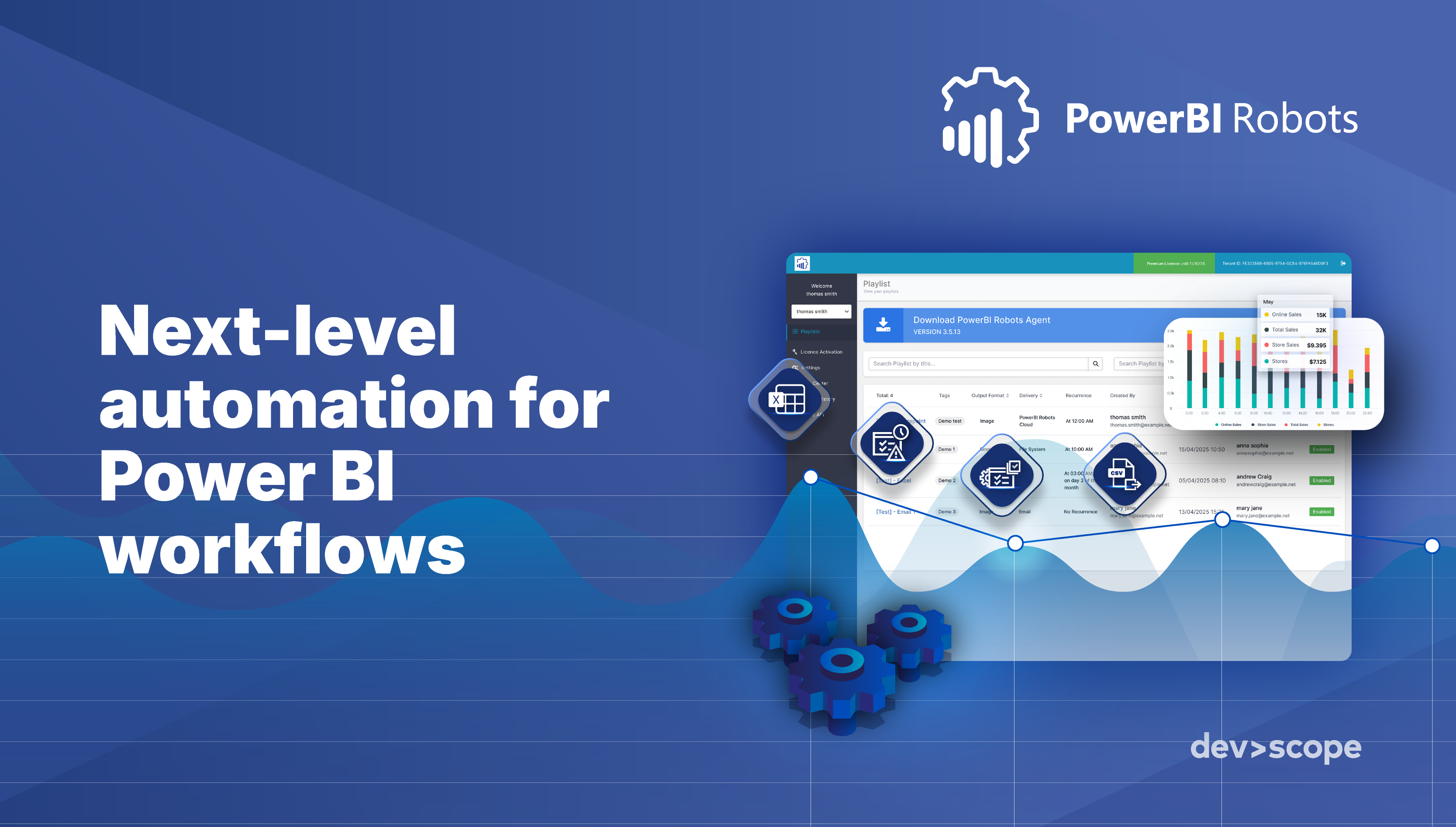
PowerBI RobotsThe latest PowerBI Robots release makes Power BI report automation faster, safer and more connected. See the new features in action.
PowerBI PortalManage the real costs of Power BI Embedded in client portals: capacity sizing, usage patterns and controls that keep spend predictable.
PowerBI PortalGenerative AI lets users ask data questions in plain language. What it changes for BI tools, Power BI and the consultancies that use them.
PowerBI PortalDeliver forecasts and recommendations to clients by embedding AI predictive models into PowerBI Portal alongside your Power BI reports.
PowerBI PortalStep-by-step guide to migrating from Power BI Premium to Microsoft Fabric capacities, with planning, workspace moves and validation.
PowerBI RobotsPowerBI Robots adds branded email templates, expiration controls and bulk actions to make Power BI report automation smarter.
PowerBI PortalHow embedding Copilot in Power BI Embedded turns client portals into AI-driven analytics experiences, and what to consider first.