Power BI Capacities Explained: How to Control Cost & Performance in Client-Facing Portals
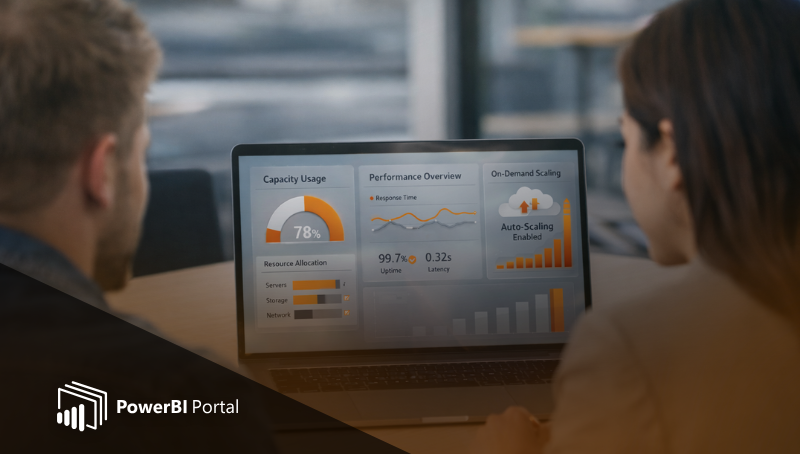
When analytics move beyond internal teams and into client-facing portals, Power BI capacities stop being just a licensing choice and become a critical cost and performance control mechanism.
For organizations delivering dashboards to customers, partners, or external stakeholders, understanding how Power BI capacities behave in real usage scenarios is essential, especially when analytics are exposed through a controlled environment like PowerBI Portal, where access, consumption, and performance can be actively governed.
What Are Power BI Capacities?
Power BI capacities provide dedicated compute resources used for report rendering, data queries, and user interactions. Instead of assigning individual licenses to every report viewer, a Power BI Embedded capacity allows multiple users to consume analytics through applications or portals, with all usage drawing from a shared pool of resources.
For client-facing portals, this model removes the friction of per-user licensing while giving organizations full control over:
- How analytics are accessed
- When resources are consumed
- How performance scales under load
Why Power BI Capacities Matter for Client-Facing Portals
Unlike internal BI environments, client portals experience uneven and unpredictable usage. Some days may see intense activity, while others remain almost idle.
Keeping Power BI capacity permanently running at full scale often means paying for unused resources, driving up costs without adding value. This is where capacity management becomes essential.
PowerBI Portal acts as a governance layer on top of Power BI capacities, enabling organizations to align resource usage with actual demand, not theoretical peak usage.
How PowerBI Portal Helps Control Power BI Capacity Costs
Serving Static Reports Instead of Live Dashboards
Not every stakeholder needs live, interactive dashboards. In many client-facing scenarios, users simply want:
- Daily KPI snapshots
- Weekly summaries
- Monthly performance reports
Instead of opening live Power BI reports and consuming capacity, PowerBI Portal can deliver static files, such as PDFs or exported reports, directly through the portal.
This approach offers clear advantages:
- No capacity consumption during file access
- Faster load times for end users
- Lower infrastructure costs
- Simpler access for non-technical audiences
By combining static files with live dashboards, organizations reserve interactive analytics for users who truly need them, while still delivering insights at scale.
Using Power BI Embedded Capacities Only When Needed
One of the most powerful aspects of Power BI Embedded capacities is that they do not need to run 24/7.
With proper governance, capacity can be activated only when required.
Through PowerBI Portal, organizations can:
- Enable capacity only during business hours
- Activate capacity on specific days of the week
- Automatically shut it down when there is no user activity
- Temporarily scale up during known peak periods
This usage-based model ensures that Power BI capacity costs are tied directly to real consumption, not assumptions.
If no one is accessing live reports, capacity remains idle and costs stay under control.
Designing Client Portals That Protect Capacity Usage
Portal design has a direct impact on Power BI capacity consumption.
When users land directly on live reports, capacity is consumed immediately even if they only need high-level information.
PowerBI Portal enables a structured access model, allowing teams to:
- Guide users through summaries or static views first
- Restrict live report access to authorized roles
- Prevent unnecessary background refreshes
- Centralize access across multiple clients and datasets
This approach significantly reduces accidental or excessive capacity usage, while still delivering a high-quality analytics experience.
Scaling Client Analytics with Power BI Capacities
For consultancies and data-driven organizations, capacity-backed portals enable a scalable analytics delivery model.
Analytics can be offered as a managed service, where:
- Usage is predictable
- Access is controlled
- Performance is centrally governed
With PowerBI Portal, teams can:
- Serve multiple clients from a single platform
- Control exactly when and how capacity is consumed
- Combine static and live content strategically
- Deliver secure, consistent analytics at scale
Power BI capacities stop being a cost risk and become a controllable strategic asset.
Final Thoughts: Turning Power BI Capacities into a Strategic Asset
Power BI capacities deliver the most value when paired with a portal designed to manage consumption intelligently.
By:
- Combining live dashboards with static reports
- Activating capacity only when needed
- Structuring user access carefully
Organizations can reduce costs dramatically without sacrificing insight or performance.
PowerBI Portal provides the governance, flexibility, and control needed to make this possible, turning Power BI capacities into a predictable and efficient foundation for client-facing analytics.
👉 Book a demo to see how PowerBI Portal helps you optimize Power BI capacity usage, reduce costs, and scale client analytics with confidence.

Share this post: