





PowerBI Robots: smarter automation and greater control
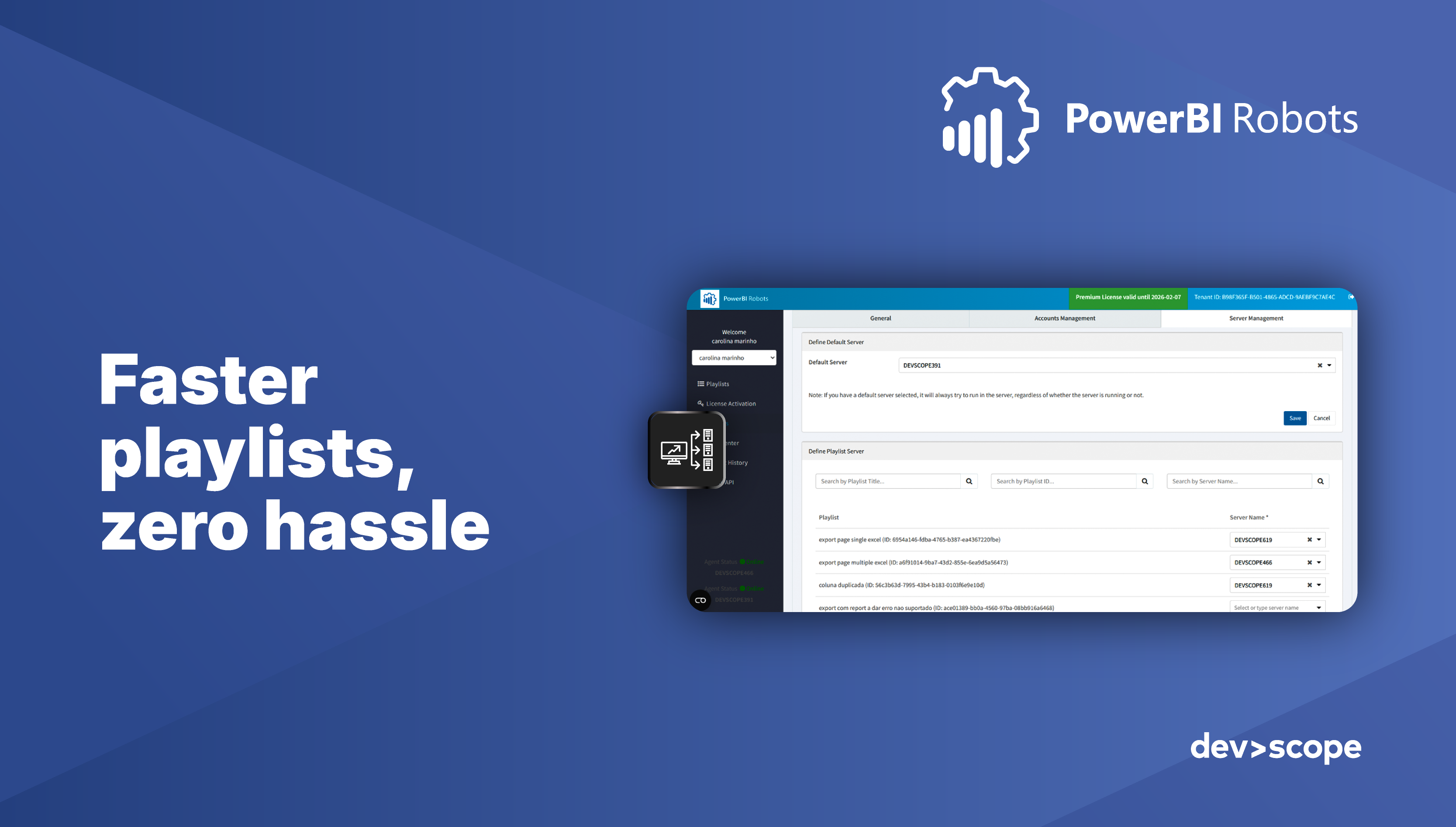
At DevScope, we're always striving to make PowerBI Robots faster, smarter, and more efficient. Our latest release introduces a powerful new feature designed to streamline your report automation, enhance control, and ensure reliable execution of Power BI playlists.
Multi Agent – Smarter, scalable report processing
Managing many playlists on a single server can slow down your report automation and increase the risk of failures. With Multi Agent (Premium License), you can now distribute playlist processing across multiple servers, ensuring:
- Better performance: Avoid overloading a single server for faster, more stable execution
- Scalability: Add new agents as the number or complexity of playlists grows
- Full control: Decide which server runs each playlist, according to priorities or available resources
- Operational resilience: Reduce the risk of centralized failures and downtime

Whether you're running a few playlists or managing complex sequences for multiple departments, Multi Agent ensures your Power BI automation is faster, more reliable, and fully under your control.
Why Multi Agent matters
Multi Agent addresses one of the biggest pain points in Power BI report automation: performance and scalability. By distributing workloads across multiple agents, your playlists run smoothly, avoiding bottlenecks, delays, or unexpected failures.
This update brings greater efficiency, better control, and enhanced reliability to your Power BI workflows, allowing your team to focus on analyzing insights rather than worrying about automation failures.
Ready to optimize your Power BI automation?
If you're looking to:
- Reduce manual effort and repetitive tasks
- Improve the performance and scalability of your playlists
- Ensure uninterrupted, reliable report delivery
…then it's time to explore the Multi Agent feature in PowerBI Robots.
Discover how distributed playlist execution can transform your reporting workflow today.

Share this post:





