

PowerBI PortalUnlock new features in PowerBI Portal: enhancing report delivery and customization
New PowerBI Portal features that improve how Power BI reports are delivered and customised for every user and client.
Page 6: Power BI tips and insights about PowerBI Portal on the PowerBI Tiles Suite blog: automation techniques and best practices.
PowerBI PortalNew PowerBI Portal features that improve how Power BI reports are delivered and customised for every user and client.
PowerBI PortalPowerBI Portal adds Microsoft and Google single sign-on (SSO) and a File Management API to simplify access and automate file handling.
PowerBI PortalNew in PowerBI Portal: easier report embedding, bookmarks for smarter navigation and capacity optimisation for more efficiency and control.
PowerBI PortalPowerBI Portal now supports multiple Power BI Embedded and Fabric capacities, plus fullscreen reports for a better viewing experience.
PowerBI PortalPowerBI Portal 101: a complete guide to setting up and using the Power BI report and dashboard sharing portal, from first login onwards.
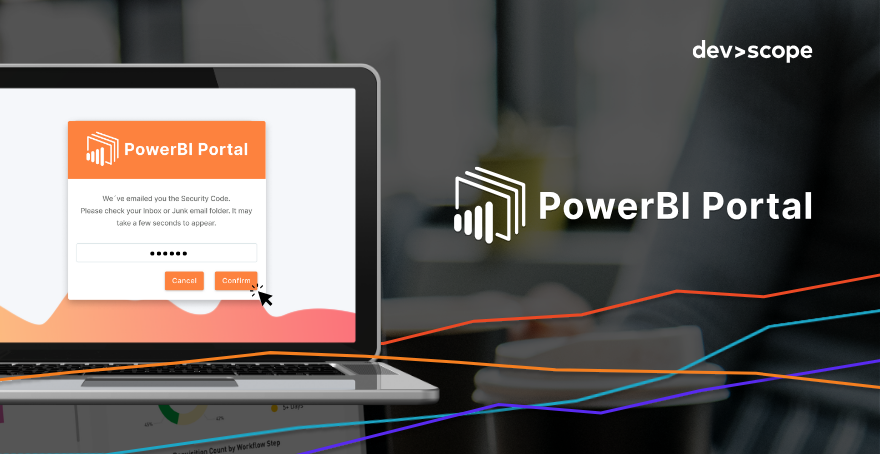
PowerBI PortalStep-by-step guide to enabling multi-factor authentication (MFA) in PowerBI Portal for an extra layer of security on shared Power BI reports.
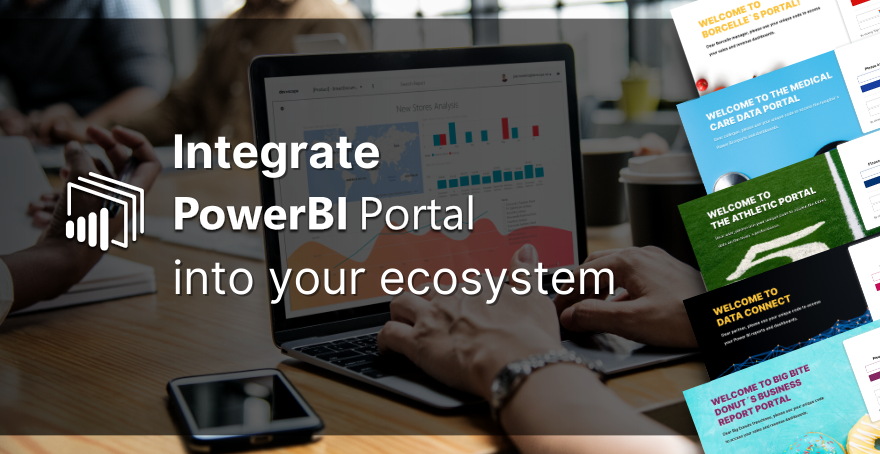
PowerBI PortalLearn how to customize PowerBI Portal's login page and seamlessly integrate it into your organization's ecosystem.
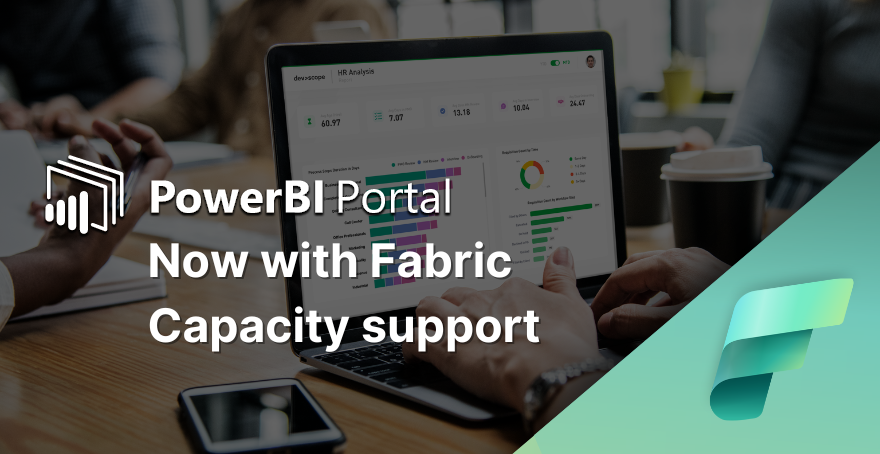
PowerBI PortalLearn how to enable Microsoft Fabric Capacity in PowerBI Portal, an alternative to the previously mandatory Power BI Embedded subscription.
PowerBI Portal4 is here and represents a milestone in the evolution of our Power BI report-sharing tool.