PowerBI Portal gets even smarter: Introducing the DataHub feature
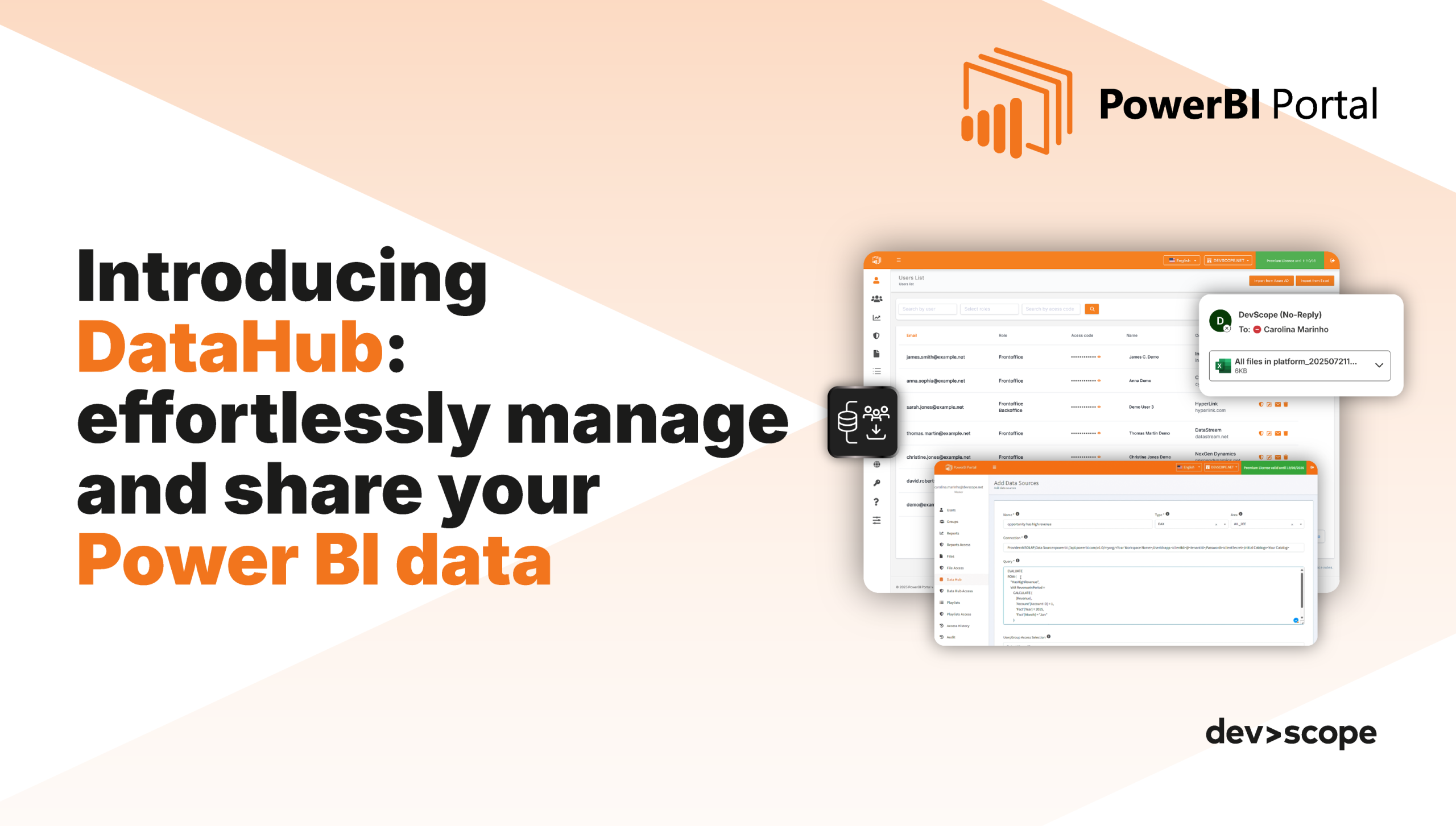
Table of Contents
At DevScope, we're always striving to enhance your Power BI experience. We are excited to introduce the DataHub feature, a powerful new tool within PowerBI Portal designed to streamline the way you manage and share your data.
With DataHub, you can now configure data sources using DAX or SQL queries, and securely share them with specific users or groups—just like you already do with your reports. This feature simplifies complex data sharing, making it easier than ever to grant users access to the data they need, when they need it.
.
What is DataHub?
DataHub enables you to:
- Configure data sources using DAX or SQL queries.
- Associate these data sources with specific users or groups.
- Allow users to access and download data directly from the Frontoffice with ease.
In short, DataHub makes your data more accessible and manageable, eliminating the need for manual updates or static exports. Now, you can provide real-time data access to the right people—securely.
.
Why is it important?
1. Streamlined Data Sharing
With DataHub, sharing complex data sources becomes a breeze. You can securely share your Power BI data with teams and external partners while ensuring the right users have access to exactly what they need—nothing more, nothing less.
With DataHub, sharing complex data sources becomes a breeze. You can securely share your Power BI data with teams and external partners while ensuring the right users have access to exactly what they need—nothing more, nothing less.
2. Centralized Control
DataHub centralizes your data management in PowerBI Portal, so you no longer have to manage multiple data sources or worry about inconsistent access controls. Everything is easily accessible and securely shared from one location.
DataHub centralizes your data management in PowerBI Portal, so you no longer have to manage multiple data sources or worry about inconsistent access controls. Everything is easily accessible and securely shared from one location.
3. Increased Efficiency
Thanks to DAX and SQL query integration, your team can work faster and more efficiently. No more manual exports or delays—DataHub ensures real-time data access and sharing.
Thanks to DAX and SQL query integration, your team can work faster and more efficiently. No more manual exports or delays—DataHub ensures real-time data access and sharing.
.
How it works:
With DataHub, you'll be able to:
- Configure DAX/SQL queries as data sources and associate them with specific users or groups.
- Grant secure access to data directly from the Frontoffice, enabling instant data access and downloads.
- Maintain full control over who accesses which data, ensuring only the right users have the right information.
This feature is ideal for quick, dynamic analysis and makes data exploration more accessible, interactive, and user-friendly.
.
Get started with DataHub today!
DataHub is a game-changer for those who need to share and manage Power BI data across teams and partners. It's an intuitive, secure, and efficient way to keep your data accessible and your teams empowered.
.
Share this post: