





Secure Power BI Sharing & External Client Access at Scale
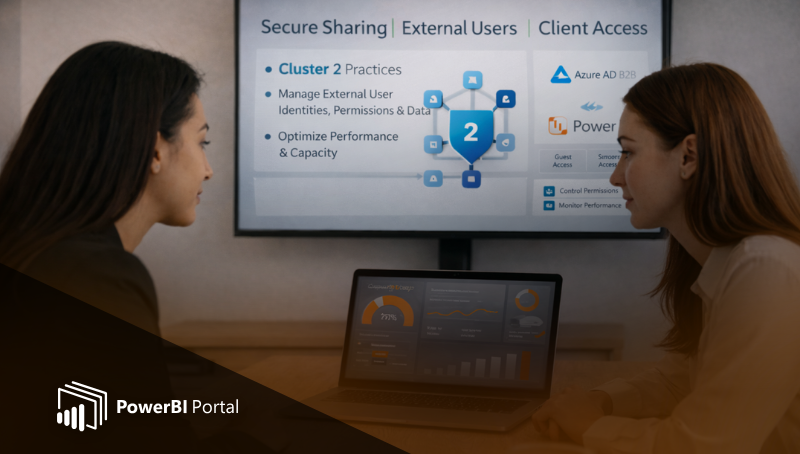
When consultancies and data teams deliver Power BI reports to external clients, secure sharing quickly becomes one of the most critical challenges. Many teams focus on building great dashboards but overlook how sharing methods directly impact security, performance, and scalability.
Secure sharing is not just about access control.
It's about delivering analytics that are fast, reliable, and protected even as the number of external users grows.
This is where a structured approach to secure sharing, external user management, and performance optimization becomes essential.
Why Secure Power BI Sharing Requires a Dedicated Approach
External users are not part of your internal tenant. This introduces additional complexity around identity and access management, data protection, and compliance. Because data protection is not optional, it must be treated as a foundational element of your architecture.
Relying on simple share links or ad-hoc permissions can quickly lead to security risks and governance gaps. The following table highlights the key differences between standard internal sharing and professional external delivery:
| Feature | Internal Sharing | External Client Access |
| Identity | Enterprise Azure AD | B2B Guest Users / External Identities |
| Governance | Centrally Managed | Multi-tenant Isolation Required |
| Licensing | Pro/PPU/Per User | Capacity-based (Embedded/Fabric) |
| Scale | Predictable | Variable (Concurrent Bursts) |
Treating secure sharing as a dedicated design area allows consultancies to build a repeatable, scalable model that works across clients and environments.
Managing External Users and Guest Access Securely
Most external Power BI access relies on Azure AD B2B guest users. This model enables organizations to grant controlled access to specific users while maintaining visibility and governance.
However, guest access must be implemented correctly to avoid common risks, like accidental data exposure or over-permissioned users.
Strong identity management ensures that only the right users can access the right content. For organizations looking to streamline this, understanding Power BI capacities is vital to controlling both cost and the security perimeter in client-facing portals.
Strong identity management ensures that only the right users can access the right content, while preserving auditability and compliance.
Performance Considerations for Client Access
External users introduce unpredictable usage patterns. Multiple clients accessing reports at the same time can create concurrency spikes that affect Power BI capacity and performance.
To maintain a consistent client experience, organizations must monitor usage and scale capacity intentionally.
When choosing an infrastructure, teams often ask about Power BI Embedded vs Fabric Capacities to determine which one is right for their specific portal requirements. Furthermore, knowing how to scale Power BI Embedded without performance issues allows you to maintain high responsiveness even as your client base expands.
Secure sharing without performance optimization is only half the solution. A report that is secure but fails to load is a failure in the eyes of the client.
Automation in the Sharing Lifecycle
As the volume of reports and clients grows, manual sharing becomes unsustainable. This is where a dedicated automation layer becomes necessary. Using tools like PowerBI Robots can bridge the gap between static reports and dynamic delivery.
Automation helps teams move from 3 days to 3 hours when preparing monthly client reporting packages. You can automate Power BI report distribution in 5 simple steps, ensuring that data reaches the right hands without manual intervention. Advanced features, such as service principal authentication and FTP delivery, further enhance the security and flexibility of these automated workflows.
Building a Scalable Client Access Model
A structured approach to secure sharing enables teams to reuse patterns across clients, reduce operational overhead, and maintain compliance as environments grow. Solutions like PowerBI Portal help centralize access, enforce governance, and optimize performance for external users all within a controlled environment.
By applying best practices for secure sharing and client access, organizations can protect data while delivering a strong analytics experience even at scale.
Enhance Your Power BI External Delivery
Ready to secure and automate your client-facing analytics?

Share this post:




