GoTransit uses PowerBI Robots to automate their reports

The client:
Founded in 2010, the GoTransit Media Group is Australia’s largest supplier of transit advertising, covering six capital cities and over 400 regional communities of metropolitan, sub-metropolitan and regional transit. Besides printing and installing advertising on bus fleets, Light Rail vehicles, and Taxis, GoTransit has an in-house creative department that develops designs for clients. The company currently employs over 70 people.
The problem:
When GoTransit started working with Power BI, they manually sent out a daily revenue and activity report. The task was performed every working day of the week by the same user who had to open the report in Power BI, click File, export it as a PDF file, attach it to an email, and send it by email to several of his colleagues. GoTransit initially looked into automating this task using Microsoft Flow (currently Power Automate), but it fell short on two aspects: Flow could only grab the first page of the report and couldn’t attach it as a PDF file to an email and send it.
The solution:
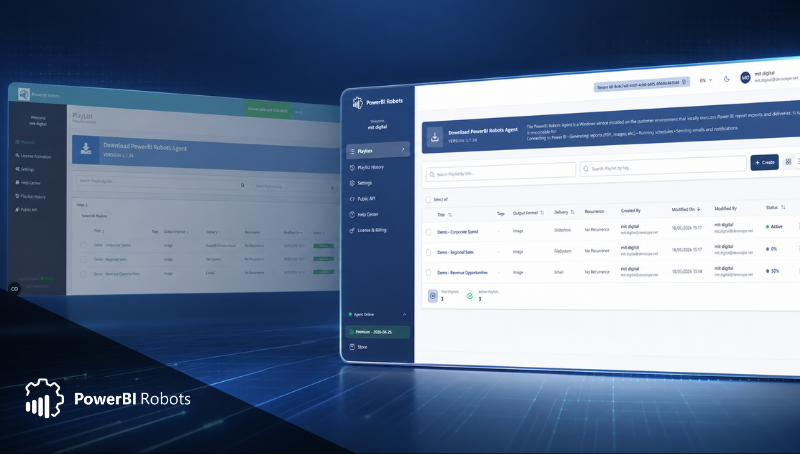
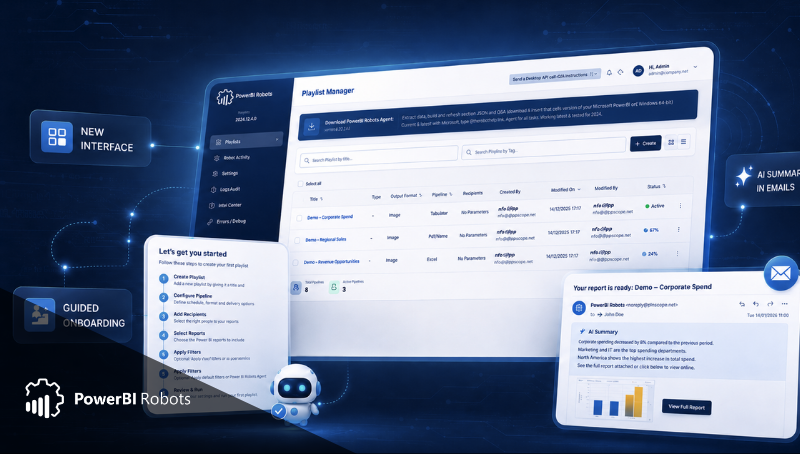
Caleb Harriot, General Manager, Operations & administration at GoTransit, was googling a solution able to distribute Power BI reports when he came across PowerBI Robots. DevScope’s solution allows users to automate Power BI reports through playlists and overcomes the obstacles GoTransit faced with Microsoft Flow: among others, PowerBI Robots automatically sends emails with Power BI reports as PDF attachments, and grabs screenshots of the latest data on all the pages in of those reports.
After solving their main problem, GoTransit’s started exploring new ways to use DevScope’s tool and the ability to apply filters in an individual context was a game-changer. Before adopting PowerBI Robots, GoTransit copied filtered data from an Excel spreadsheet and pasted it on individual emails they would send every week to dozens of users. Now, individual filters are applied directly on PowerBI Robots, and emails are automatically sent twice a week, saving massive amounts of emails and time.
"It’s 200 emails that a person isn’t sending anymore because the service is running for us. It’s a massive time saver."
– Caleb Harriot, General Manager, Operations & administration at GoTransit
GoTransit is also using PowerBI Robots to encourage their sales team. The company has a big sales team with access to reports which they can check at any time, but PowerBI Robots now regularly sends them a link to it, reminding them to check the report and see how they are doing.
Results:
When GoTransit first discovered PowerBI Robots, they were looking for a solution that could automate one daily report and send it in its entirety as a PDF attached to an email. A couple of years later, PowerBI Robots has become an integral part of the company’s daily activity, with over 50 Power BI reports playlists being shared with dozens of internal and external users and recurrences ranging from once a day to several times a week.
Do you want to learn more about DevScope’s products? Contact us.
Are you a DevScope client and would like to have your case study featured here? Get in touch.

Share this post: