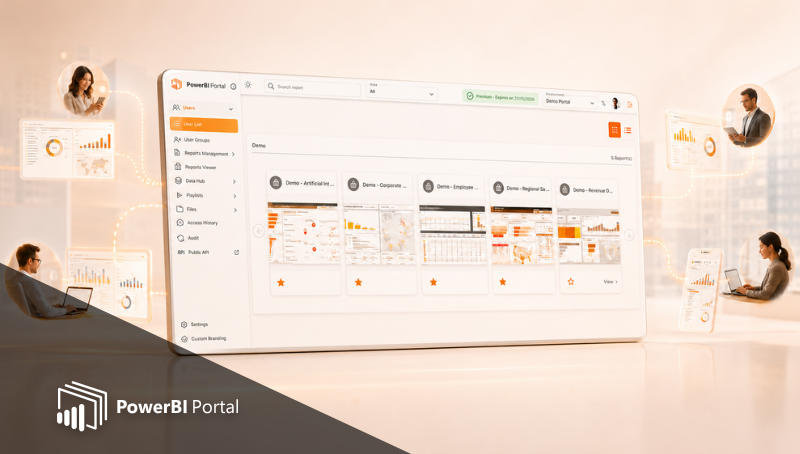
What's new in PowerBI Portal 1.3?
Table of Contents
The next time you access your PowerBI Portal account, our Power BI report hosting and sharing web application will be running on version 1.3. If you use the front office exclusively, you'll immediately notice the new Privacy Terms consent banner you must accept before using PowerBI Portal, but no other changes. However, back-office users will now have available a series of features that improve their life which we will cover in this blog post.
Here's what you can find in PowerBI Portal 1.3:
New preview window input mode
Prior to version 1.3, users could only add reports to the back office by pasting the Power BI URL. Now, they can choose between that method and a preview window that lets them navigate through their workspace list and select the report or dashboard they wish to add. Not only does this new feature bring PowerBI Portal in line with its older "siblings" PowerBI Robots and PowerBI Tiles Pro, but it also removes the hassle of accessing reports in one tab and copy and pasting them in another.
Improved notifications system
Back office users can now enable or disable each type of notification and even customize their organization's notification email template.
Export Access History to Excel
Access history has been available since PowerBI Portal launched, but it can now be exported as an Excel file. To do so, go to Access History and click the Export via Excel button.
In addition to these features, our team fixed an issue with the custom settings of the front office's background and logo and improved the management of the Power BI Embedded service. From now on, PowerBI Portal will warn the user if the Power BI Embedded timeout is reaching the time limit set in the back office to prevent it from shutting off.
The user must click yes to confirm their activity and reset the Power BI Embedded timeout.
As previously mentioned, you just need to log into your PowerBI Portal account to start using these features. If you run into any issues while using them, please contact our team at support@devscope.net.
If you haven't tried PowerBI Portal yet, we hope these new features are compelling enough for your organization to try it for free for 15 days. PowerBI Portal is a web tool that uses the Power BI Embedded service to allow organizations to share an unlimited number of reports and dashboards through a portal. Access to that portal can be given to any number of users, regardless of being in the same organization or even having a Power BI account.
Share this post: