Vita Health Group shares Power BI reports in a cost-effective way

The client:
Vita Health Group is a leading UK provider of integrated physical and mental health services to corporations, the British National Health Service (NHS), and private patients.
The challenge:
Vita Health Group was looking to distribute key KPI performance management, quality and care outcome reports via Power BI reports across the organization and to key external stakeholders when they ran into an obstacle. Vita Health Group needed a way to share their Power BI reports with anyone – in or outside the organization – without it being cost prohibitive.
Upgrading to Power BI Pro would allow users to share their content with other Pro users. However, at £7.50 per user every month the ability to share data across the organization and with wider stakeholders would likely at that time have been expensive across all staff and stakeholders, per month at that point in the journey of Vita Health Group. Power BI Premium could circumvent this limitation, but the company wasn’t large enough to warrant again a costly subscription.

The solution:
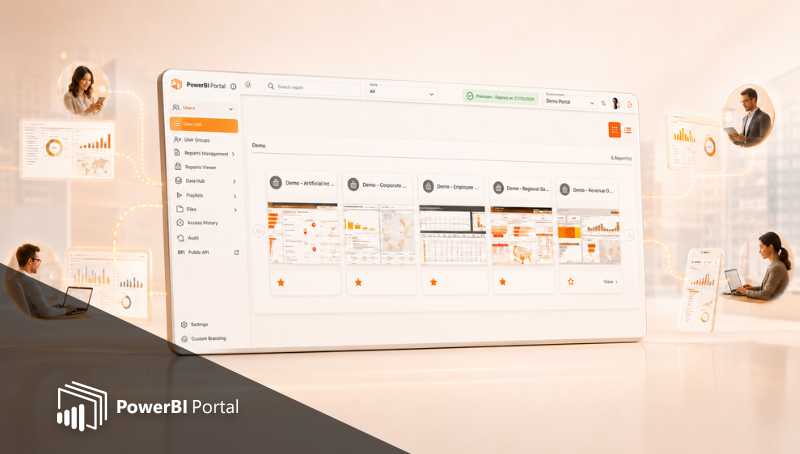
Vita Health Group discovered PowerBI Portal while doing a technologies market appraisal. PowerBI Portal uses Microsoft’s Power BI Embedded and features a cost-saving feature that lets users set a limited refresh capacity for their reports. In practice, this means that the organization only pays for a fixed annual license fee plus the time their reports are being used not a per-seat cost.
Vita piloted the Power BI Portal for a couple of months to evaluate its fit, scalability and affordability before concluding it is a fantastic tool and moving to a full purchase. The VHG Power BI team found set up relatively straight forward and had good support off the DevScope support team to ensure access was correctly set up.
Vita Health Services users shared Power BI reports which included KPIs, call statistics from their call centers, or web statistics, among others, but always wanted to serve customers with automated reports if they had a cost-effective self-service model.
PowerBI Portal is available on any device, anywhere and VHG are now able to produce custom reports for corporate clients using their services. One such example is a dashboard shared with over 150 end-users who only have access to their specific data despite being in the same company, thanks to PowerBI Portal’s row-level security.
There’s no need to set up all these Power BI viewers in the company’s Active Directory. Users access their reports with a unique code, generated by PowerBI Portal.
"We used to pull up front end reports on Word documents or PDF files. Lots of emails, lots of resources. We have pretty much automated that process and PowerBI Portal gets that out to the customers."
– Rodney Arbon, Lead Data Engineer at Vita Health Group
Results:
Prior to using PowerBI Portal, Vita Health Group was pulling up front-end reports in Word and PDF files and sending them via email. Lots of emails, given their needs. The task was obviously resource and time-consuming, not to mention prone to human error. On their way to full Power BI automation, they discovered PowerBI Portal, and the number of Power BI users at Vita Health Group also rose from around 40 to over 300.
"It’s a huge development and step forward for servicing VHG customers, sharing the data with them. It’s also a real benefit for the business in terms of cost-saving."
– Neil Edwards, Business Intelligence Developer at Vita Health Group
Not only did PowerBI Portal solve Vita Health Group’s sharing needs at a reduced cost, but it also allowed the company to engage with clients in a unique, customized, fully interactive, and private way.
"We are extremely excited about the potential to share key management reporting anytime, anywhere and on any device both within the company and to relative stakeholders. This clearly adds transparency on our performance and fosters long-term relationships in our key markets"
James O’Reilly Head of IT – Vita Health Group.

Share this post: