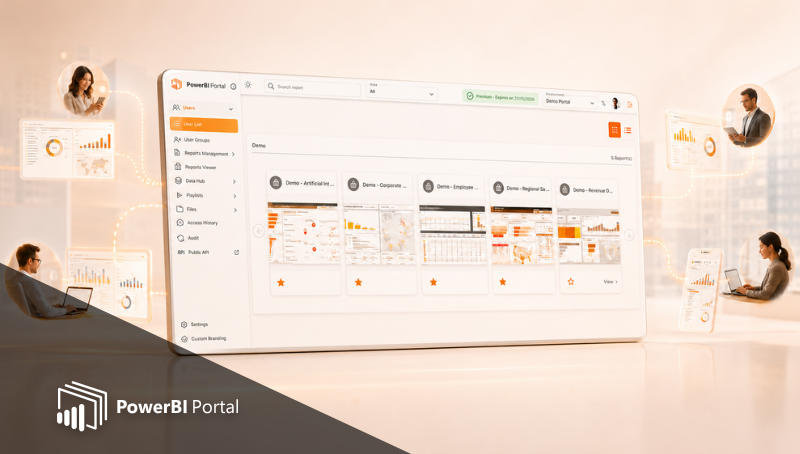
What's new in PowerBI Portal 2.4?
Table of Contents
Power BI Portal 2.4 is the quintessential tool for a world of data-driven insights and decision-making, and version 2.4 represents a milestone in the evolution of our tool, designed to empower organizations, large and small, with unparalleled visualization, analytics, and collaboration. Continue reading to discover all that's new in PowerBI Portal 2.4.
White Label
PowerBI Portal offers the ultimate customization option for companies that want to seamlessly integrate PowerBI Portal into their ecosystem. Previously only available for on-premises installations of PowerBI Portal due to the complexity and additional consulting services it required, this new option brings white labeling to all organizations running our tool in the cloud.
PowerBI Portal allows your organization to:
- Have its own custom URL to access PowerBI Portal's front office.
- Have its own custom layout in PowerBI Portal's login page.
In other words, PowerBI Portal removes all references to DevScope as the supplier of PowerBI Portal, making it indistinguishable from any other web page that belongs to your organization. Customization of the front office's color, background, logo, and warming-up message, is available to users of all versions of PowerBI Portal.
File sharing
Another great feature our team added to PowerBI Portal with version 2.4 is the ability for organizations to share files with our tool. From the back office, organizations can connect PowerBI Portal to an Azure BLOB storage and share the contents of that BLOB storage with Front office users the same way they share dynamic reports. Once clicked, these files are downloaded to the user's local machine.
Persistent Filtering
The last feature introduced in PowerBI Portal 2.4 is the ability of Front Office users to apply and save report and page filters. These filters work on top of those set in the back office for the shared reports. To access this feature, click the settings icon from any Power BI report in the front office. The "save page filters" option will be in the drop-down list.
To start using these features, just log into PowerBI Portal. If you run into any issues while using them, please contact our team at support@devscope.net.
If you haven't tried PowerBI Portal yet, we hope these new features are compelling enough for your organization to try it for free. PowerBI Portal is a web tool that uses the Power BI Embedded service to allow organizations to share an unlimited number of reports and dashboards through a portal. Access to that portal can be given to any number of users, regardless of having a Power BI account.
Share this post: