


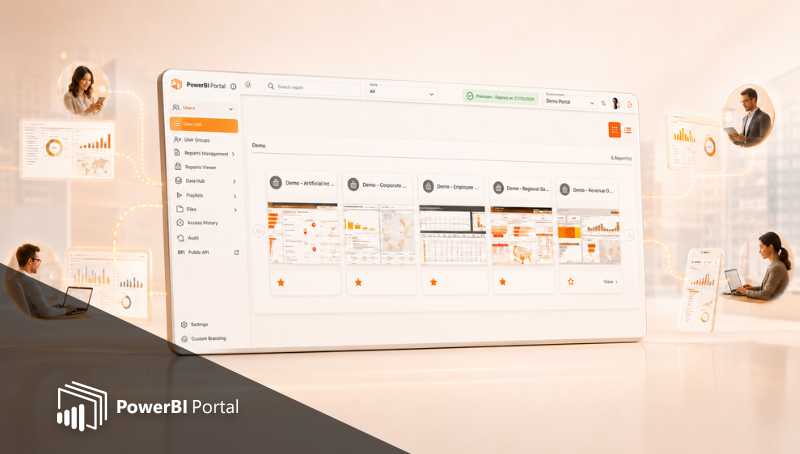
How to Share Power BI Reports with External Users Without Pro Licenses
Sharing Power BI reports with external users often creates licensing, access, and usability challenges. This article exp...








A secure Power BI portal that lets users explore, understand and ask questions about their data, with governance, role-based access control (RLS) and enterprise-grade AI built in.
Based on customer experience, organizations typically reduce Power BI licensing costs by up to 70%.
30-day free trial · No credit card required · Cancel anytime
From global enterprises to specialized teams, our products power data
operations at every scale.






















Powered by Microsoft
PowerBI Portal is powered by Microsoft Power BI Embedded and Microsoft Fabric, the official, Microsoft-approved way to deliver Power BI analytics at scale. Your data never leaves your Power BI environment. Every user accesses reports through a fully compliant, governed setup.
Works with any Fabric or Power BI Embedded capacity, including F2 SKU.
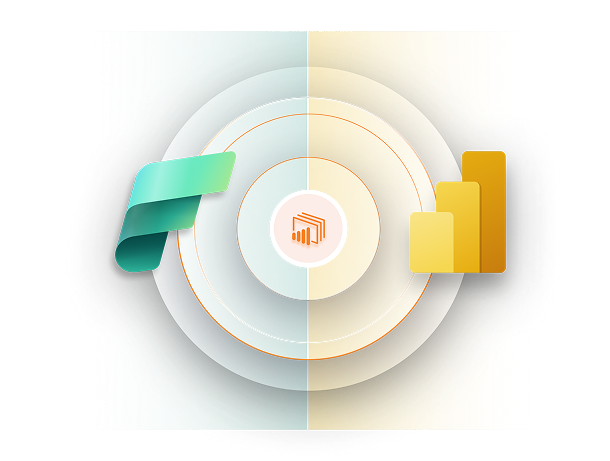
PowerBI Portal connects directly to your Power BI and Microsoft Fabric workspace and delivers embedded reports, dashboards and AI-powered analytics to every user with security, governance and role-based access control built in from day one.
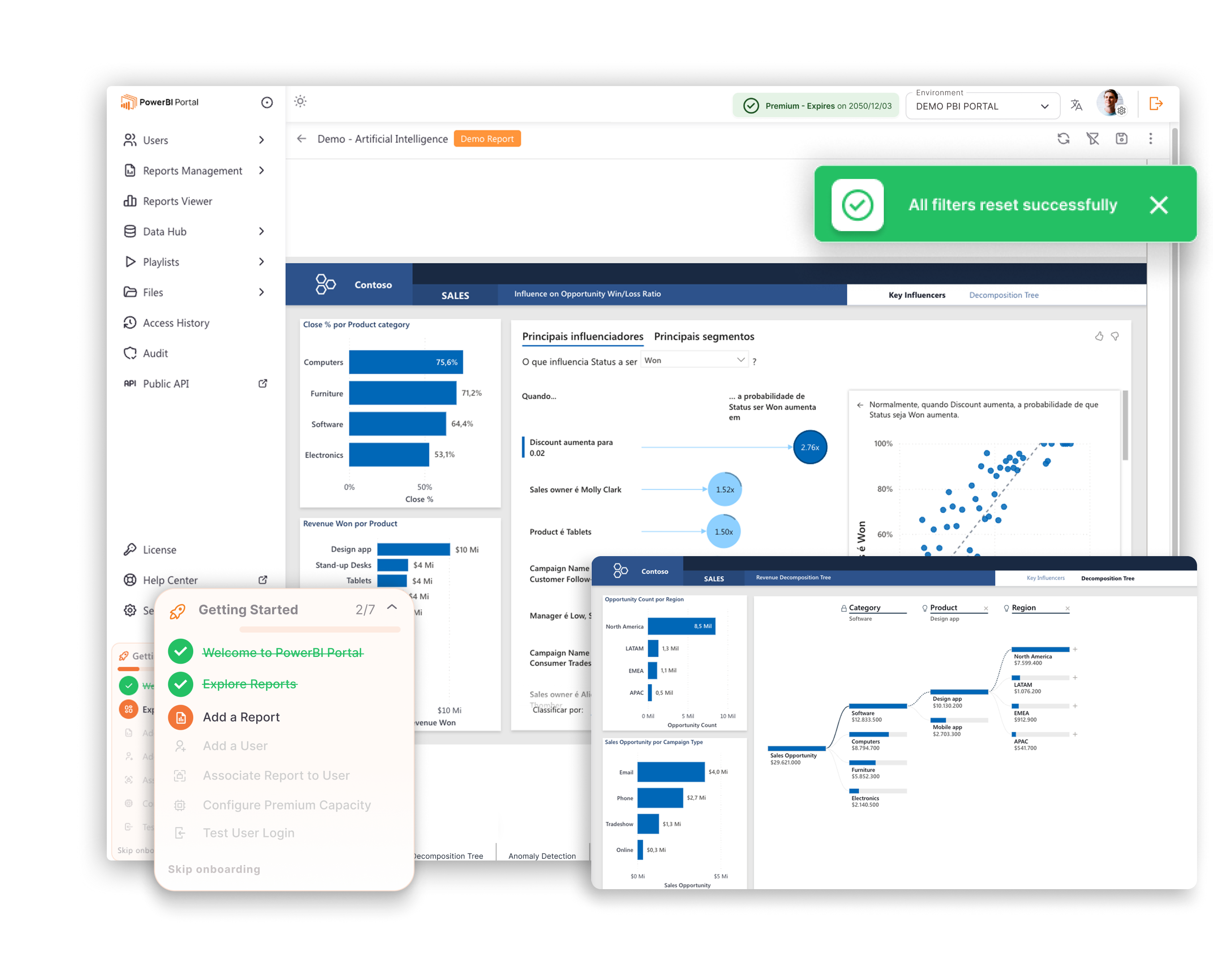

Scale from 5 to 5,000 report viewers without adding a single Power BI Pro license.

Every user accesses only the data their role allows, across reports, dashboards and AI-generated answers.

A built-in AI agent lets users interact with their Power BI data in plain English, Portuguese, French, Spanish, Chinese, and German without building new reports or applying filters manually.

Real-time Power BI data accessible to every authorised user. No email attachments, no manual exports, no stale PDFs.

Replace per-user Power BI licensing with a single capacity model and reduce annual licensing costs by up to 70%.

One secure portal. Every workspace. Every report. Accessible to every user you define, without extra Microsoft licensing.

Row-Level Security enforced across reports, dashboards and AI responses so every user sees exactly what they should.

A built-in AI agent answers questions about live Power BI datasets instantly, accurately, within each user's permitted data scope.
Live in minutes with our 5-step guided setup. No developer or IT support required.
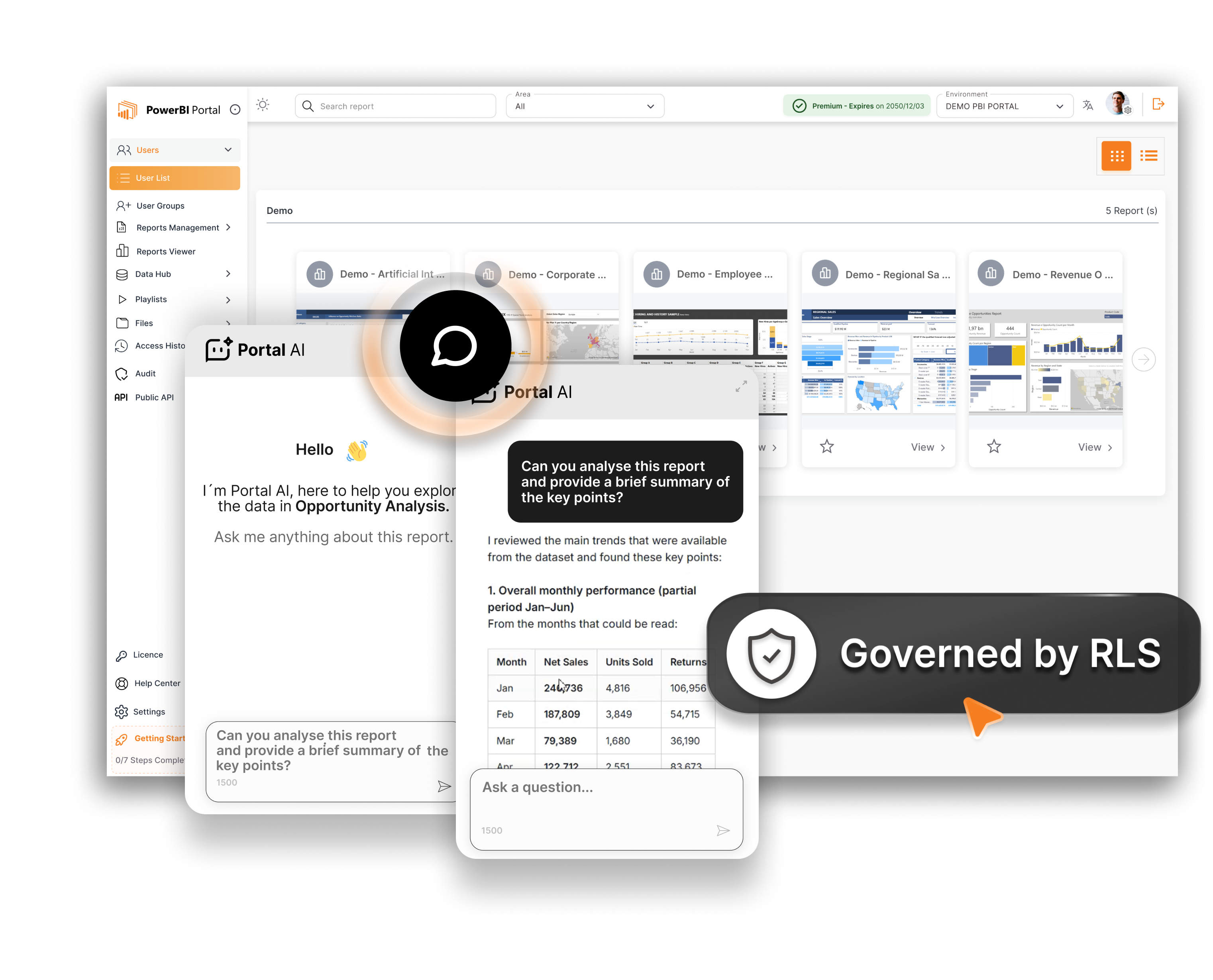

A built-in AI agent connects to your Power BI data.

Ask natural-language questions about any active Power BI dataset, in any language.
Get instant answers, figures, comparisons, trends, with no report building required.
Enforce row-level security so AI responses and data breakdowns are filtered per user.
Every query is governed by your existing Power BI Row-Level Security configuration.
Multi-lingual AI. Every query triggers every answer thereafter.

Share live Power BI reports by using just one Power BI Embedded or Fabric capacity, to deliver full interactive reports to clients, partners and viewers, without requiring individual Power BI Pro licenses.
One portal, unlimited viewers. One portal for all.
Embed live interactive Power BI reports in a secure, self-service portal.
Share with clients, partners and vendors at no extra cost.
Real-time data. Every refresh goes live for the whole on-site, on-time.
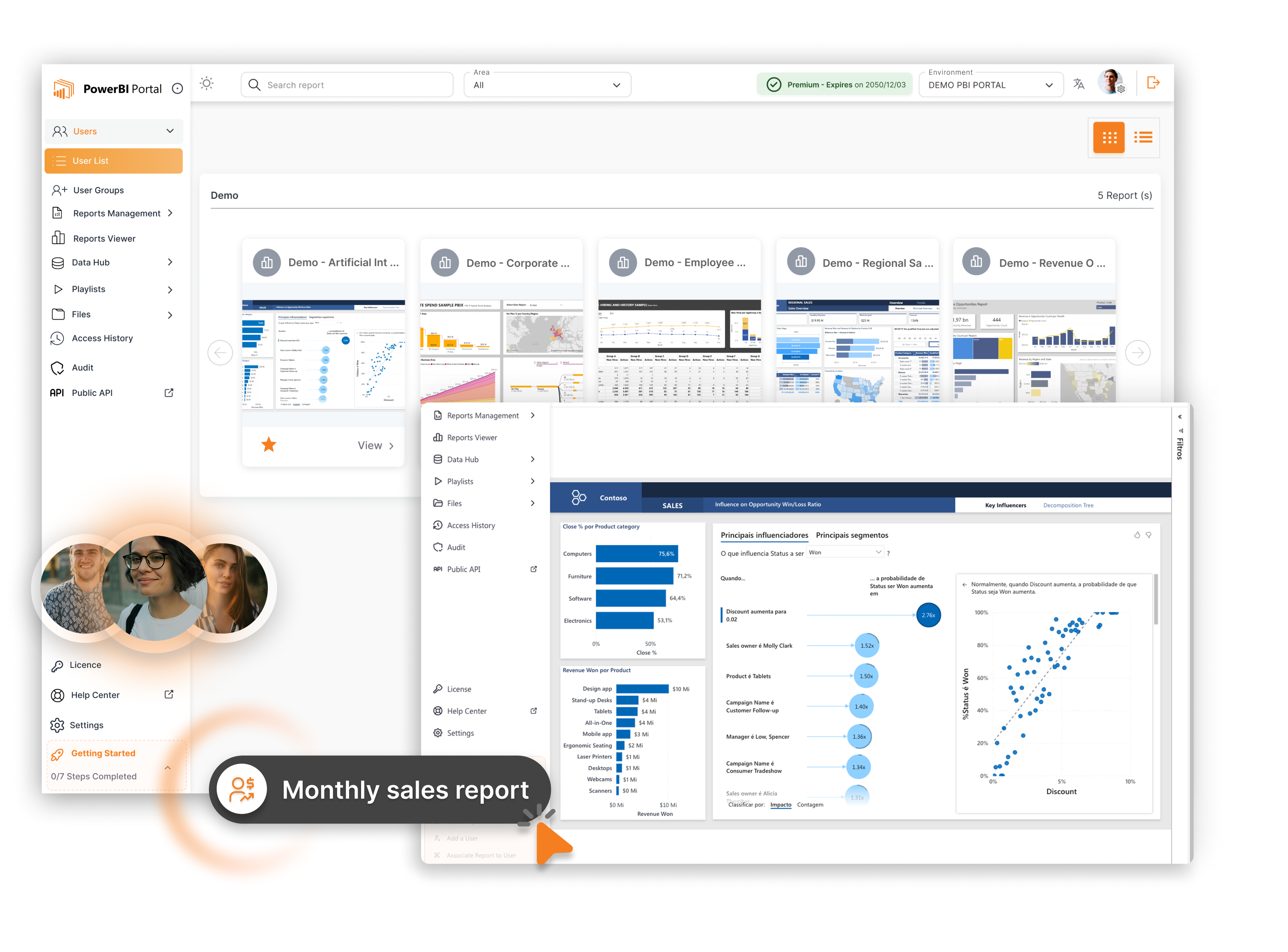
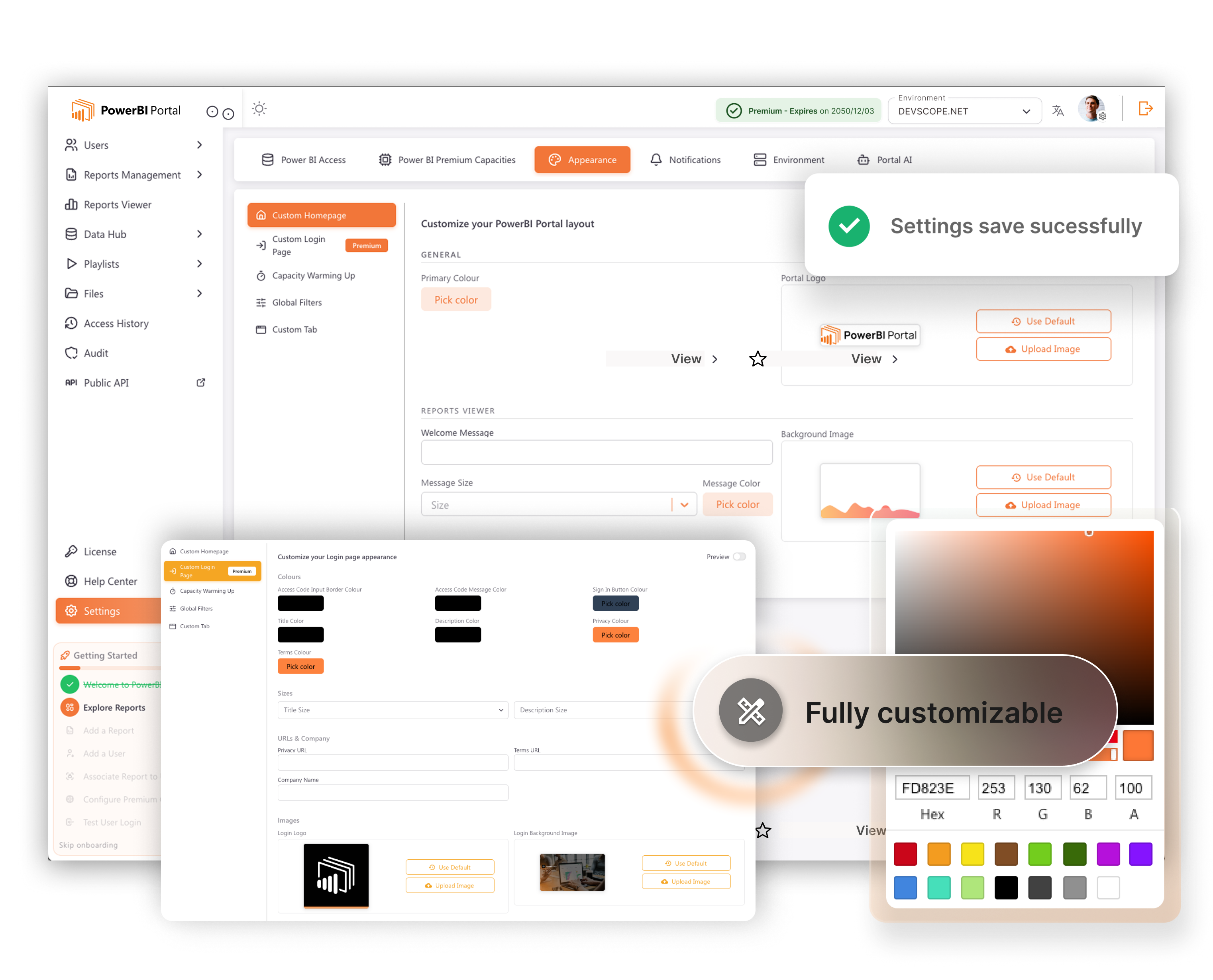

Deploy a branded analytics portal with your own look. Apply your corporate identity and deliver Power BI reports under your brand.
Fully customisable portal: your own brand, fonts and logo.
Turn your own analytics commercially into main stream, cross-selling and white-labelling support.
100% white-label your reports, your logo, your solution.
Deliver branded Power BI analytics experiences to clients.
Multi-tenant support. Isolated environments for each client.
Scalable in Portuguese, French, Spanish, Chinese and German.

Connect a single Fabric or Power BI Embedded capacity, change your cost model and unlock unlimited access for all. One capacity serves all viewers, reports, agents. No per-user licenses. One subscription license as a preferred choice of many.
Replace per-user Power BI Pro licences with a single capacity.
Share unlimited users from one Embedded or Fabric capacity.
Typical cost reduction of up to 70% in Power BI licensing.
Use the built-in ROI Simulator to calculate your savings.
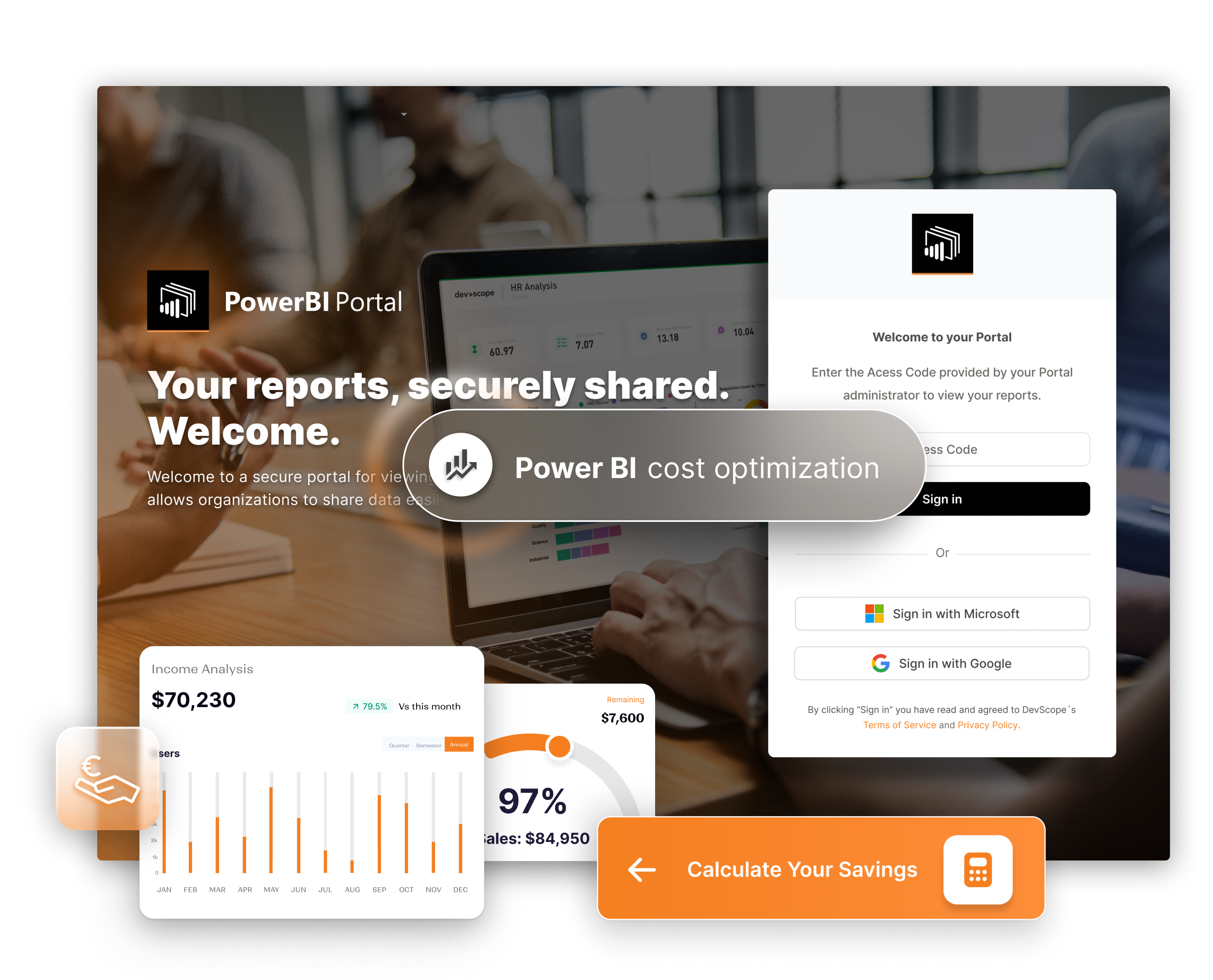

Unlimited users, zero extra Microsoft licenses
Share any number of Microsoft Power BI reports and dashboards.

Share with security
Protect your company's data with two layers of row-level security.

Centralized Power BI reporting portal
Each user has their own access code to a centralized and tailored Microsoft Power BI experience.

Portal AI — natural language analytics for Power BI
Share reports and dashboards with as much users as you want.

Microsoft Power BI license flexibility
Give access to your reports and dashboards to users without a Microsoft Power BI account.

Pay only for what you use
Optimize your cloud hosting costs by automatically turning off Azure Microsoft Power BI Embedded on No Activity.
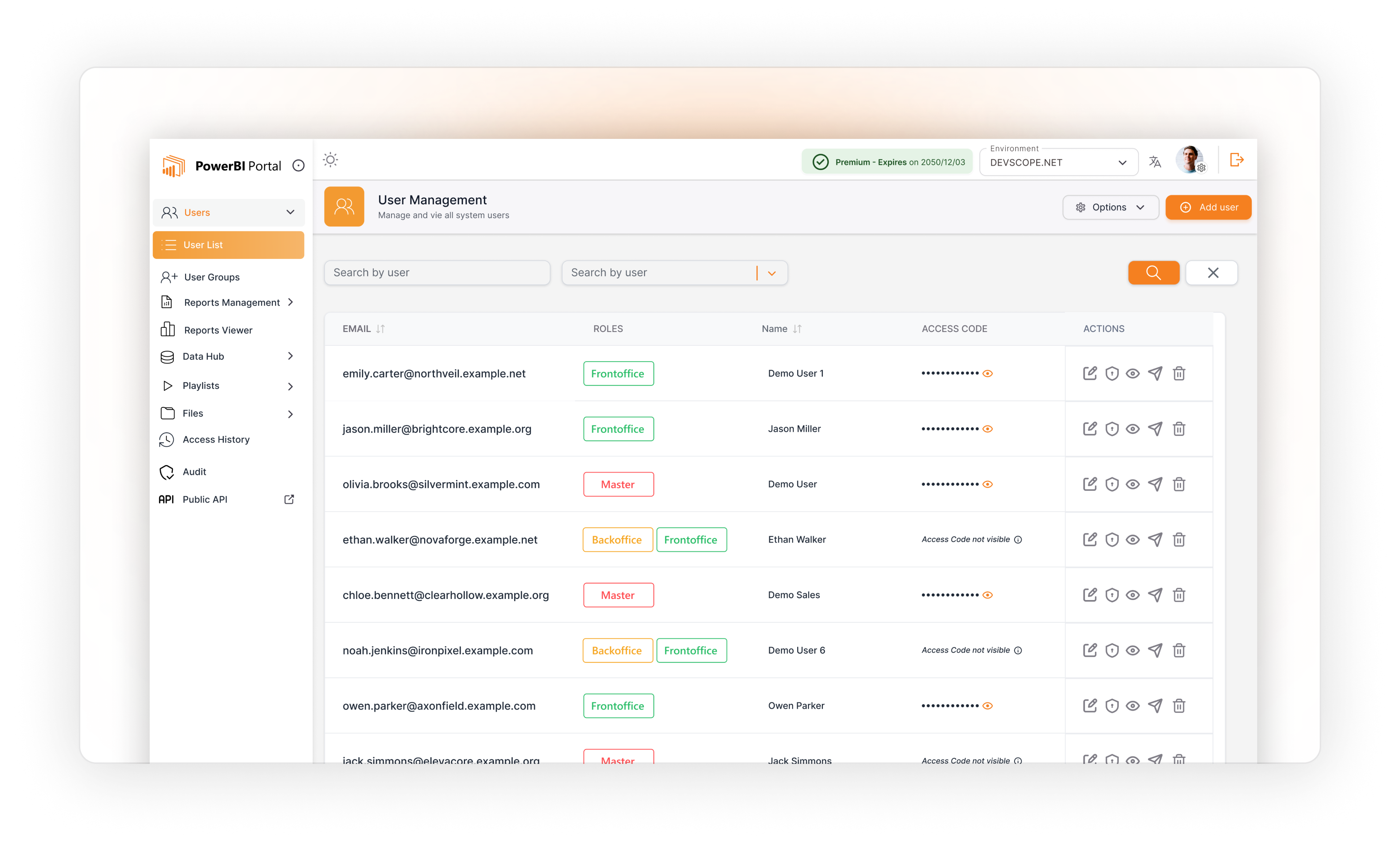
Join over 40,000 professionals globally leveraging PowerBI Portal for seamless Power BI sharing.
For large-scale deployments
Tailored pricing for your needs
Core Features
+ Branding & Analytics
+ Monetization & SLA
PowerBI Portal is a cloud-based BI portal powered by Microsoft Power BI Fabric or Embedded. It requires a Power BI Pro license and either a Fabric, Power BI Embedded, or Premium Capacity license.

The versatility of PowerBI Portal makes it a valuable tool across a wide range of industries:
Share real-time sales and stock data via a web portal to enable data-driven decisions on merchandising and staffing.
Offer clients personalized portfolio dashboards through a branded portal, boosting satisfaction.
Provide secure, role-based access to patient and resource dashboards for improved care and privacy compliance
Share student progress and attendance data securely to guide curriculum and resource allocation
Deliver dashboards on efficiency and delivery to partners for data-driven supply chain management.
Learn how to maximize your Power BI portal experience with the latest tips and features.
Sharing Power BI reports with external users often creates licensing, access, and usability challenges. This article exp...

Ask questions about your Power BI data in plain language and get direct, permission-aware answers with Portal AI, built ...


In portal-based analytics, cost is driven by concurrent activity, not total registered users. This article explains why ...
Search our knowledge base or browse the questions below.
PowerBI Portal gives every user in your organisation secure, instant access to live Power BI data, with role-based Row-Level Security, a built-in AI agent and a guided setup that most administrators complete in under 30 minutes.
Start your free trial today. No credit card required.
Embed live Power BI reports in a secure, centralised portal
Share with unlimited external users. No per-user Microsoft licenses required.
Ask natural-language questions about your Power BI data with Portal AI
Govern access with Row-Level Security enforced at every level
Automate user provisioning and access management at scale
Explore the full suite of PowerBI Tiles Suite products to maximize your data potential.
Our team of experts is here to help you automate reports, embed insights, and boost performance across your organization.
Have a question or feedback? Fill out the form below, and we'll get back to you within 24 hours.


